Singapore visa photo size and requirements: get it right the first time
Short answer
Use a colour photo taken within the last 3 months against a plain white background. For visa submission, prepare an exact 400x514 JPEG no larger than 60 KB and confirm the requirements of the ICA filing route you use.
- Last updated:
- 2026-10-18
- Form 14A route
- VisatoSingapore prepares Form 14A and supports eligible filing
- Final decision
- ICA decides visa approval and checkpoint entry
- Official sources
Last updated: 2026-09-28
- ICA — photo guidelines
- ICA — Singapore biometric passport form
- ICA — Entry visa requirements
Use a colour photo taken within the last 3 months against a plain white background. For visa submission, prepare an exact 400x514 JPEG no larger than 60 KB and confirm the requirements of the ICA filing route you use.
Check the live ICA photo-guidelines page before filing because specifications can change. Avoid an old picture, selfie angle, heavy edit, shadows or an unreadably small file: ICA warns that a non-compliant photo can delay an application or lead to rejection.
Singapore visa photo requirements
Start with the live ICA photo-guidelines page, then check the file before it reaches the application.
Before filing, open the final JPEG at full size and check its 400x514 pixels, file size, sharpness and framing. Keep the full face visible, the camera level, the light even and the background plain white without shadows. Our browser tool accepts larger source files for preparation; its input limit does not set the visa-upload limit.
Current ICA online photo specification
ICA's visa-photo FAQ says the online image must be a 400x514-pixel JPEG no larger than 60 KB. Our photo maker produces a file within that limit; check the current requirements of your filing service before submitting. The general ICA photo page's 8 MB limit applies to other e-Services and must not be used as a visa-upload limit.
If you are making a hardcopy submission through a route that asks for printed photos, ICA says printed photographs should be on matte or semi-matte non-reflective paper. Do not use this digital-file guide as a substitute for route-specific Mission or authorised-agent instructions.
35x45 mm, 600 DPI and head height: do not mix print and online rules
Reviewed on 28 September 2026: ICA's visa-photo FAQ gives 400x514 pixels for the online image. Its general photo-guidelines page covers image quality and alteration. Neither source adds a 600 DPI requirement or numeric head-height rule for this visa upload. Check the pixels and final file directly; an unsupported print-resolution rule is not a reason to distort a photo.
A separate ICA form for a Singapore biometric passport says a printed photograph is 35 mm wide by 45 mm high and the face measures 25–35 mm from chin to crown. That form is for a Singapore passport application, not the entry-visa upload specification. Millimetres also have no single pixel conversion without a chosen print resolution, so for online Form 14A preparation follow the live 400x514-pixel guidance and ICA's visual rules: even light, full frontal view, clearly visible facial features, and no facial alteration.
What a good photo looks like
Use a recent colour photo that looks like you now. Face the camera directly, keep your face fully visible, use even lighting, and keep the background plain white without shadows. Avoid sunglasses, heavy glare, filters, beauty effects or anything that changes facial features.
A head covering worn for religious reasons is usually not the problem; the problem is when the face is not clearly visible. The photo should look like a passport photo, not a social-media portrait, travel selfie or cropped group photo.
Phone photo and selfie traps
ICA allows mobile-phone photos and recommends apps designed for passport or identity-card photos. It permits resizing but prohibits altering or enhancing the photograph. Resize or crop without retouching, filters, facial changes or digital background replacement. Retake a photo with unsuitable lighting or background.
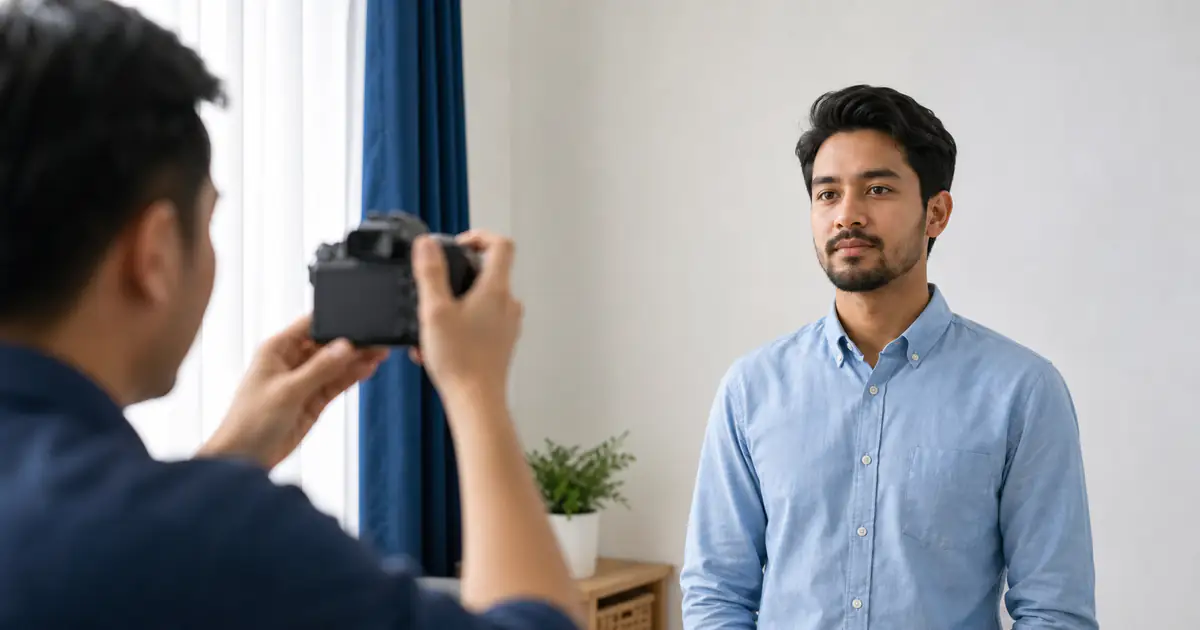
ICA also says it does not recommend selfies because the result is usually not ideal and can delay the application. If you use a phone, ask someone else to take the picture or use a timer, keep the camera straight, and avoid wide-angle distortion from holding the phone too close.
The mistakes we see most
The common avoidable failures are shadows on the wall, a grey or cream wall treated as white, a photo cropped so tight that the top of the head is cut off, a crop so loose that the face is tiny, glare on glasses, an old travel selfie, a filter, or a file exported too small to inspect clearly.
A HEIC or HEIF source from a phone needs conversion for the JPEG visa file described in ICA's visa-photo FAQ. Keep the original and export a JPEG at 400x514 pixels no larger than 60 KB without retouching the image or replacing its background. Inspect the final file again and check the current filing-route instructions.
How VisatoSingapore checks the file
This browser pre-check accepts JPG, PNG or WEBP source files under 8 MB. It checks readable dimensions and portrait shape; a passing input is not a submission-ready visa photo. The browser check runs locally and does not upload your photo. Face visibility, lighting and background still require a visual review; the tool does not certify these conditions. A passing result covers file checks only; ICA decides whether the photo and visa application are acceptable.
If the photo is wrong, we tell you what to change before Form 14A preparation continues. The final authority remains ICA and the permitted filing route, so always verify the current ICA photo specification and any Mission or authorised-agent instruction before final submission.
Next visa-photo steps
Check the photo, then finish the right visa route
Use the browser checker for a practical pre-check, then match the photo to Form 14A and the supporting documents for the traveller's passport. The checker does not upload the file or guarantee ICA acceptance.
Next useful route
Continue with the right Singapore check
Use these links to move from this article into the matching visa, SG Arrival Card, Form 14A, transit or pass route without starting from scratch.
Sources
VisatoSingapore
Who we are
Our editorial team maintains these materials using the linked primary ICA, MFA and MOM sources. This information is not legal advice.
- Role
- Independent Singapore visa information, Form 14A preparation and filing-support service.
- What we do
- Fill in and proofread Form 14A, reconcile the supporting documents, and file eligible cases through a route ICA permits.
- What we do not do
- We are not ICA, do not issue visas, and do not guarantee approval or entry.
- Decision maker
- Final visa approval and checkpoint-entry decisions remain with Singapore's ICA.